Raw HTML vs Rendered DOM: What Actually Changes After JavaScript Runs?
We tested 10 real pages to compare raw HTML with the rendered DOM. See how JavaScript changed titles, canonicals, H1s, links, schema, and page text
By Lev Gen Published Tested with WatchThis
The short answer
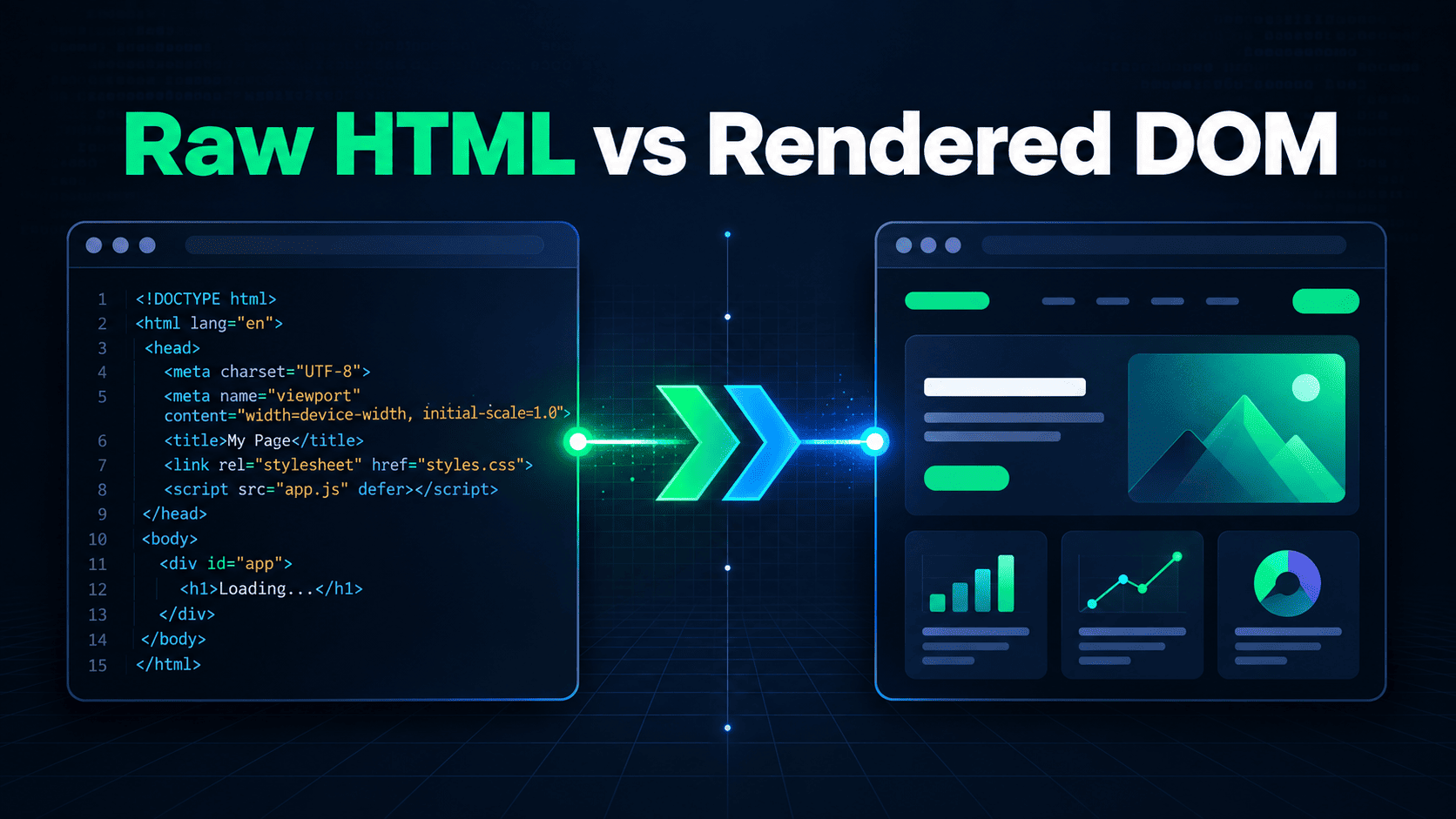
Raw HTML is the document a server returns before page scripts run. The rendered DOM is the browser's current document after JavaScript has parsed, added, removed, or changed elements.
That difference matters, but a difference by itself isn't an SEO problem. In our 10-page spot check, eight pages placed the title, H1, and substantial page text in the raw response. Two depended on JavaScript for the visible page content. Several otherwise healthy pages still added links or small amounts of text after rendering.
The risky pattern is specific: a page needs JavaScript to create the content or indexing signal that explains what the URL is. A changed menu count is usually noise. A title, canonical, or entire article that exists only after a successful render deserves attention.
Page source and the DOM answer different questions
The common "view source vs inspect element SEO" comparison gets muddled because both browser views contain HTML-like markup. They show different moments.
- View Source
- The initial response body that reached your browser. It can contain server-rendered content, an application shell, script tags, or all three.
- Inspect Element
- The live DOM for your browser session. It may include content created by JavaScript, browser extensions, consent choices, personalization, or interactions that a crawler never made.
- WatchThis raw HTML
- The SEO fields extracted from the initial HTTP response for the tested URL.
- WatchThis rendered DOM
- The same fields extracted after a browser loads the page, executes JavaScript, and lets the DOM settle.
Inspect Element does not show "what Google sees." It shows what your browser sees in that session. Google's renderer creates its own DOM with its own requests, state, and resource availability. The comparison is still useful because it reveals which parts of the page require successful JavaScript execution.
What crawlers see before JavaScript runs
A crawler that doesn't execute JavaScript stops at the response HTML. Google Search goes further. Google documents three broad stages for JavaScript pages: crawling, rendering, and indexing. Googlebot first fetches the URL and parses the response, including links in HTML href attributes. The page can then enter a rendering queue, where Google's Web Rendering Service runs JavaScript and parses the rendered HTML again.
This is why two extreme claims both fail:
- "Google only sees page source" ignores Google's rendering stage.
- "If it appears in my browser, Google will index it" ignores render failures, blocked resources, state differences, and the time between fetching and rendering.
Google says server-side rendering or pre-rendering remains a good idea because it helps users and crawlers, and not every bot runs JavaScript. Google also recommends its URL Inspection tool or the Rich Results Test when you need to inspect Google's own rendered output. WatchThis is a fast diagnostic comparison, not a substitute for evidence from Search Console.
How we tested 10 real pages
We ran one WatchThis check per URL on September 17, 2026. The sample included framework documentation, the WatchThis home page, and Google Maps. It was chosen to expose different rendering patterns, not to estimate how often JavaScript SEO problems occur across the web.
For each URL, WatchThis fetched the initial response, opened the page in a browser, waited for the DOM to settle, and extracted the same fields from both versions:
- title and canonical;
- H1 text;
- word count and internal link count;
- JSON-LD structured data types;
- JavaScript errors and selected supporting checks.
All 10 tested URLs returned HTTP 200. We did not log in, click, scroll, accept location access, or repeat the checks from other regions. Deployments, consent screens, bot protection, personalization, and failed network requests can change the result.
Titles, canonicals, and H1s before and after JavaScript
| Page | Title | Canonical | H1 |
|---|---|---|---|
| WatchThis home | Raw: Watch What Google Sees Rendered: same |
Raw: https://watchthis.dev/ Rendered: same |
Raw: Watch What Google Sees Rendered: same |
| React Quick Start | Raw: Quick Start - React Rendered: same |
Raw: https://react.dev/learn Rendered: same |
Raw: Quick Start Rendered: same |
| Vite Getting Started | Raw: Getting Started | Vite Rendered: same |
Raw: https://vite.dev/guide/ Rendered: same |
Raw: Getting Started Rendered: same |
| Next.js Docs | Raw: Next.js Docs | Next.js Rendered: same |
Raw: https://nextjs.org/docs Rendered: same |
Raw: Next.js Docs Rendered: same |
| Angular overview | Raw: What is Angular? | Angular Rendered: same |
Raw: https://angular.dev/overview Rendered: same |
Raw: What is Angular? Rendered: same |
| Vue introduction | Raw: Introduction | Vue.js Rendered: same |
Raw: missing Rendered: missing |
Raw: Introduction Rendered: same |
| Svelte overview | Raw: Overview | Svelte Docs Rendered: same |
Raw: missing Rendered: missing |
Raw: Overview Rendered: same |
| Astro Getting Started | Raw: Getting started | Docs Rendered: same |
Raw: https://docs.astro.build/en/getting-started/ Rendered: same |
Raw: Astro Docs Rendered: same |
| Nuxt introduction | Raw: missing Rendered: Introduction · Get Started with Nuxt v4 |
Raw: missing Rendered: https://nuxt.com/docs/4.x/getting-started/introduction |
Raw: missing Rendered: Introduction |
| Google Maps | Raw: Google Maps Rendered: same |
Raw: missing Rendered: missing |
Raw: missing Rendered: This area |
Nine of the 10 pages returned a title in raw HTML. Eight returned an H1. Six returned a canonical in the initial response. The missing canonicals on Vue, Svelte, and Google Maps remained missing after rendering, so those were not JavaScript mismatches. The Nuxt page was different: JavaScript added the title, canonical, and H1.
Text, links, and schema before and after JavaScript
| Page | Words, raw to rendered | Internal links, raw to rendered | Structured data, raw to rendered |
|---|---|---|---|
| WatchThis home | 240 to 240 | 17 to 17 | SoftwareApplication to SoftwareApplication |
| React Quick Start | 3,390 to 3,398 | 80 to 80 | None to none |
| Vite Getting Started | 1,531 to 1,561 | 49 to 49 | None to none |
| Next.js Docs | 668 to 809 | 341 to 631 | TechArticle to TechArticle |
| Angular overview | 1,122 to 1,167 | 52 to 64 | None to none |
| Vue introduction | 1,957 to 2,003 | 81 to 83 | None to none |
| Svelte overview | 345 to 361 | 103 to 103 | None to none |
| Astro Getting Started | 740 to 740 | 258 to 258 | None to none |
| Nuxt introduction | 0 to 901 | 0 to 49 | None to Article, BreadcrumbList, ImageObject, Organization, TechArticle, WebPage, and WebSite |
| Google Maps | 0 to 47 | 0 to 1 | None to none |
Half the pages changed their internal link count after rendering. That sounds worse than it was. React, Vite, Svelte, WatchThis, and Astro kept the same count. Angular and Vue added a small number of links. Next.js added 290 links, yet its title, canonical, H1, body copy, and TechArticle markup were already present in raw HTML.
The size of a difference does not tell you its SEO impact. You need to identify what changed and whether the initial response already explains the page.
Differences that are usually normal
Hydration changes the DOM even when the server has already sent the main content. A navigation component can add controls. A code example can gain copy buttons. A responsive menu can create more anchors. An analytics request can fail without changing the article.
The Next.js documentation result is a useful example. Its internal links rose from 341 to 631, and its word count rose from 668 to 809. A single resource also returned a 401 error during the test. Even so, the raw response already contained the same title, canonical, H1, main text, and TechArticle schema found after rendering. The failed request did not remove the page's identity or primary content in this run.
These changes still deserve a quick review, especially when hundreds of links appear. But they do not support a claim that the page is invisible to search engines.
Differences that deserve investigation
The Nuxt documentation page returned the clearest dependency in this sample. The initial response contained 124 bytes of HTML and none of the measured title, description, canonical, robots directive, H1, internal links, visible words, or structured data. After rendering, WatchThis found 901 words, 49 internal links, an H1, a canonical, and seven structured data types.
The result cannot tell us whether Google indexed the page. It establishes a narrower fact: the tested response relied on a successful browser render for every measured content and metadata field. The response could also have been affected by a deployment detail or the way the site handled the test request. A site owner should reproduce the result, check server logs, and inspect the live URL in Search Console before diagnosing an indexing failure.
Google Maps also returned zero raw words and zero raw internal links, then rendered 47 words, one link, and an H1 labeled "This area." The context changes the interpretation. Google Maps is an interactive application, and the tested root URL is not a conventional article or product landing page. The same pattern on a page expected to rank for descriptive content would be more concerning.
How to judge each type of difference
| Difference | Why it matters | What to do |
|---|---|---|
| Title exists only after rendering | The page depends on rendering before a crawler can read its intended title. | Put a unique title in the server response when possible. Confirm Google's rendered HTML in URL Inspection. |
| Canonical changes after rendering | Conflicting canonical signals can produce an unexpected selected URL. | Use one canonical value. Google advises against changing an existing HTML canonical to a different URL with JavaScript. |
| Raw robots says noindex, JavaScript removes it | Google may skip rendering after it sees noindex, so the removal may never count. | Do not ship noindex in the initial response for a page you want indexed. |
| Main text appears only after rendering | A script or API failure can leave the crawler with little information about the page. | Render indexable primary content on the server or at build time. If that is not practical, monitor resource and rendering failures. |
| Internal links appear only after rendering | Google can discover proper links in rendered HTML, but discovery now depends on rendering. | Use real <a href> links and expose important navigation in the initial response where practical. |
| JSON-LD appears only after rendering | Google supports JavaScript-generated structured data, but a render failure can remove it. | Test the rendered page with the Rich Results Test and keep the markup consistent with visible content. |
| Word or link count rises slightly | Hydration and interface controls often add small amounts of text and navigation. | Check whether the raw response already contains the unique content and important links. If it does, the difference may be harmless. |
| JavaScript error appears | An error matters when it blocks content or metadata, not merely because it exists. | Identify the failed resource and compare the visible fields before deciding severity. |
A practical test for your own page
- Run the exact canonical URL through the WatchThis JavaScript SEO checker. Test an indexable detail page, not only the home page.
- Start with title, canonical, robots, H1, and primary text. These fields tell you whether the initial response identifies the page and allows indexing.
- Review link and word count changes in context. Find the actual elements that JavaScript added instead of treating the count as a verdict.
- Check JavaScript errors and blocked resources. Re-run the test if the result looks like a temporary network failure.
- Use Search Console URL Inspection for a URL you own. Run a live test, open the tested page details, and compare Google's rendered HTML and screenshot with the content you expect.
If the raw HTML is almost empty but the rendered DOM is complete, you have found a rendering dependency. The next question is whether that dependency works reliably for Google and other crawlers. Search Console, server logs, and repeated tests can answer that. Inspect Element alone cannot.
Questions about raw HTML and the rendered DOM
Is rendered HTML the same as the DOM?
People often use "rendered HTML" as shorthand for a serialized version of the rendered DOM. The DOM is the browser's live document model. It can change again after a timer, API response, user action, or route transition.
Does Google see the same DOM shown in Inspect Element?
No. Inspect Element shows the DOM created for your browser session. Google renders the URL in its own environment. Cookies, permissions, location, resources, and interactions may differ.
Can Google index content added by JavaScript?
Yes. Google says it renders JavaScript with its Web Rendering Service and uses the rendered HTML for indexing. That does not guarantee that every script, request, or page state will work. Test important URLs with URL Inspection.
Is client-side rendering bad for SEO?
No. Client-side rendering creates a dependency. The risk depends on what the page needs JavaScript to produce and how reliably those scripts run. A filter panel added after load is different from an article whose title and text are absent from the response.
Should every SEO field be present in raw HTML?
For indexable pages, putting the title, canonical, robots directive, primary content, and important links in the initial response reduces avoidable dependencies. Google can process several fields added with JavaScript, including JSON-LD, but its documentation warns against conflicting canonicals and against relying on JavaScript to remove an initial noindex directive.
What does a crawler see before JavaScript?
It sees the HTTP status, headers, and initial response body. A crawler can parse any content and links already present there. What happens next depends on whether that crawler renders JavaScript and whether the required resources load.
Sources and data
- Google Search Central: Understand the JavaScript SEO basics
- Google Search Central: Fix Search-related JavaScript problems
- Google Search Central: Generate structured data with JavaScript
- Google Search Console Help: URL Inspection tool
- WatchThis: 10-page raw and rendered test data in JSON
This was a convenience sample with one run per URL. You may quote or reuse the dataset under CC BY 4.0 with attribution to WatchThis and a link to this article.